
Live scene | See the site
Link units, equipment and sensors to field data, and show key status in the digital scene.

See the plant. Catch every change.
Map the real plant into a digital space, so process, equipment, data and alarms stay visible and analysis returns to the site.
 Scroll to explore
Quality, equipment, energy, chemicals and alarms sit in different systems. Digital twin links them around the plant, so operators can spot change, find the issue and see the impact.


 Live data
Build a living digital scene from the real plant and process. Overview, drill-down and alarm decisions support monitoring and fault review.
Link units, equipment and sensors to field data, and show key status in the digital scene.

Bring flow, quality, process, equipment, energy, chemicals and alarms into one plant view.

Go from the plant to units, equipment and points. See device info, live values, trends and alarms.

Locate the alarm in the scene, and show likely cause, related data and a suggested action.

Link operating data to plant objects on the systems and site you already have, and grow the digital scene as needed.
Take in production, online monitoring, equipment and alarm data for the digital scene.
Map structures, equipment and sensors to data from the plant layout and process.
Add process areas, equipment points and metrics around current systems and priorities.
Run in the customer’s own environment, alongside existing operations systems.





In Water OS, the water model supports agents. Agents analyze a specific job. Digital twin places status and results on the real plant scene.
Uses water knowledge and operations data so agents can understand the work.
 Capability
support
Capability
support

Analyze a specific operating task.
Analysis results
Shows site status and analysis results.
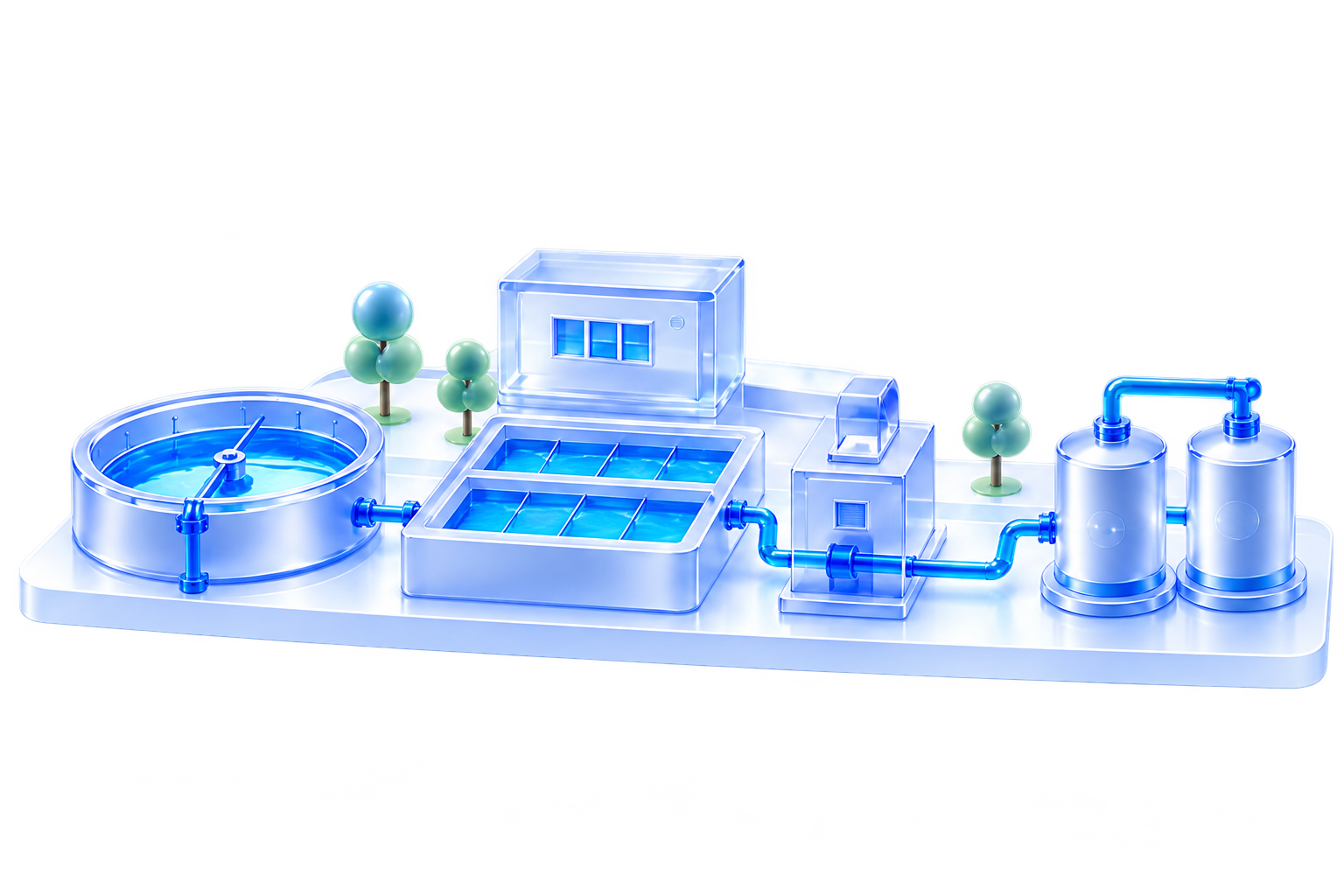

Brings plant data and business apps together so each capability can work as one system.

Uses water knowledge and operations data so agents can understand the work.
The alarm-decision agent, for example, explains likely cause, impact and what to do.

Shows operating status and alarm analysis on the matching process and equipment scene.